Have you ever noticed that your Google search results look different from one day to the next? You type the same query, but the pages you see aren’t always the same.
It can feel confusing and even frustrating, especially when you’re trying to find reliable information quickly. But here’s the thing: Google is constantly adjusting its search results just for you. Why? Because it wants to serve you the most relevant, up-to-date answers based on a mix of clever technology and your personal preferences.
You’ll discover exactly why Google search results change daily—and how understanding this can help you get better, smarter search experiences every time you hit that search button. Keep reading, and you’ll never look at Google the same way again.
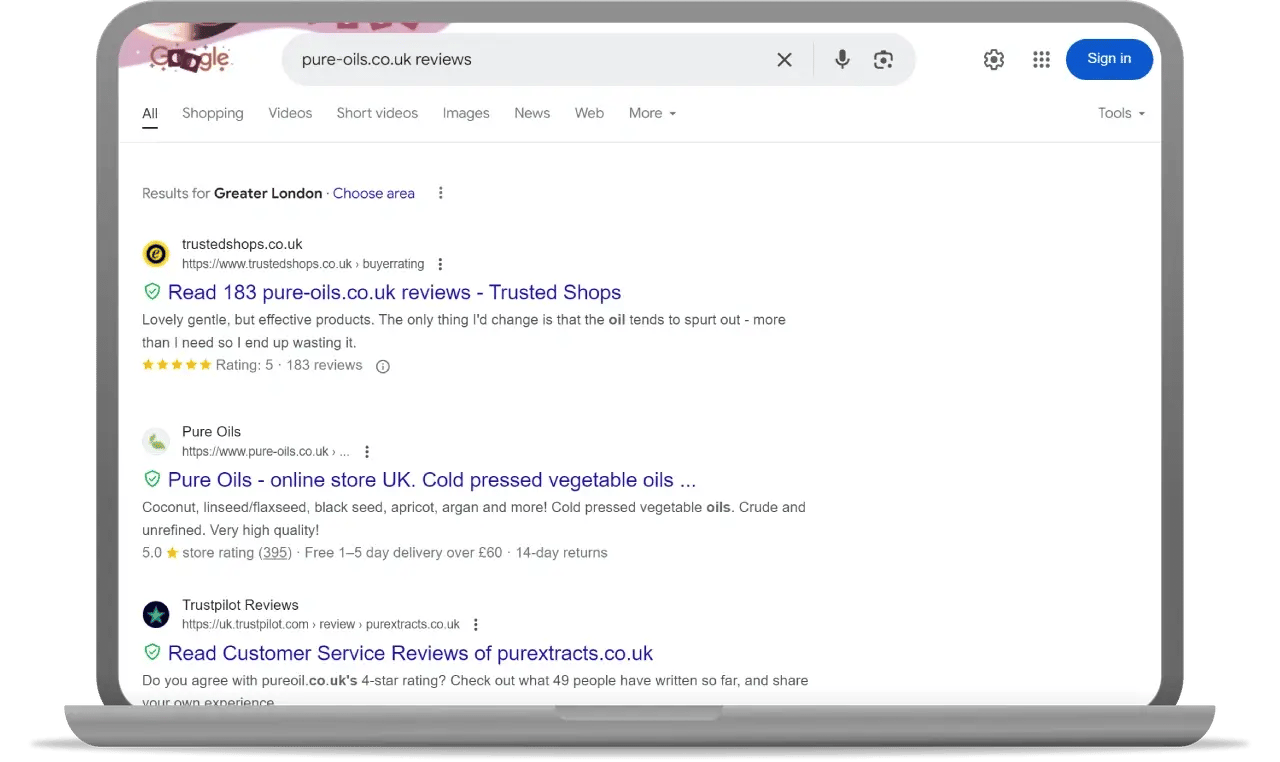
Credit: business.trustedshops.com
Daily Search Fluctuations
Google search results shift every day. These daily search fluctuations happen for several reasons. They reflect how Google tries to show the most relevant and fresh content. Changes in search results can seem small or large depending on many factors. Understanding these factors helps explain why your search results vary.
Algorithm Updates
Google updates its search algorithms regularly. These updates improve how Google ranks websites and pages. Even small changes in the algorithm can change which results appear first. Google tests new changes daily before full release. This testing causes frequent shifts in search results.
Indexing New Content
Google constantly adds new pages to its index. New content appears quickly in search results. Websites publish articles, blogs, and news every day. Google bots crawl and index this new content fast. This causes daily changes as fresh information enters the system.
Ranking Factors Shift
Ranking factors include many signals like keywords, site speed, and links. These factors change in importance over time. Google adjusts how it weighs each factor often. User behavior and trends also affect rankings daily. This makes search results move up and down regularly.
Credit: www.emarketer.com
Personalization Effects
Google customizes search results to suit each user’s preferences and context. This personalization changes results daily. It makes searches feel more relevant and useful. The effects come from factors like your account, browsing habits, and location. These create a unique search experience for everyone.
User Account Influence
Google uses your account details to personalize results. It considers your settings, preferences, and past interactions. If you are signed in, Google tailors results to your interests. This means two users searching the same phrase can see different results.
Browsing History Impact
Your past searches and visited sites shape what Google shows you. The engine learns what you like over time. It prioritizes websites similar to those you visited before. This keeps results relevant and aligned with your habits.
Location-based Results
Google detects your location to provide local information. Search results change depending on your city or country. For example, searching for “restaurants” shows nearby options. This helps find services and news relevant to your area.
External Factors
External factors play a big role in why Google search results change every day. These factors come from outside Google’s algorithms but still affect what you see. They reflect what people are interested in, the time of year, and how websites compete for attention. Understanding these helps explain the daily shifts in search rankings.
Trending Topics
Trending topics cause fast changes in search results. When a story or event becomes popular, Google updates results to show the latest news. People want current information, so Google gives priority to fresh content. This keeps search results relevant and up to date.
Seasonal Changes
Seasonal changes affect what people search for. During holidays or certain times of year, search habits shift. For example, searches about gifts rise near Christmas. Google adapts results to match these seasonal interests. This leads to different results depending on the time of year.
Competitor Activity
Competitor activity also influences search results daily. Websites improve their content or SEO strategies to rank higher. When one site updates, others may respond to keep up. This competition causes constant movement in rankings. Google reflects these changes by adjusting which pages appear first.
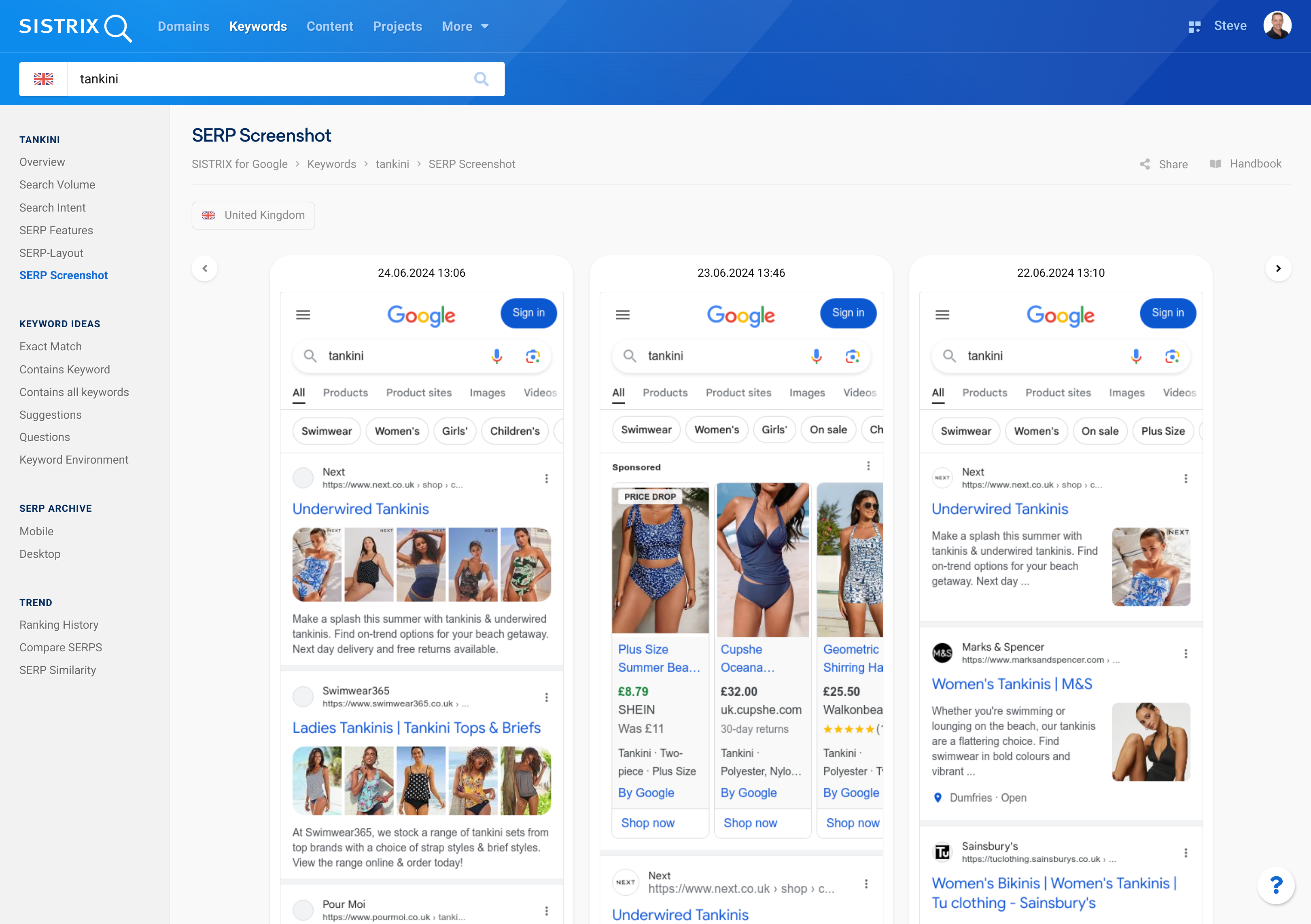
Credit: www.sistrix.com
Technical Adjustments
Technical adjustments play a big role in why Google search results change daily. These tweaks happen behind the scenes. They help Google deliver more relevant and personalized results. Small changes in settings or devices can shift what you see. Understanding these factors helps explain the daily shifts in search results.
Search Customization Settings
Google customizes search results based on your activity. Your past searches, location, and preferences affect the results. Turning off search customization can give more neutral results. Google updates these settings regularly to improve relevance. This causes changes in what appears on your screen.
Browser And Cache Effects
Your browser stores data to speed up searches. This data is called cache and cookies. Cached data can cause Google to show old or different results. Clearing your cache refreshes the search results. Browsers also differ in how they handle this data. This creates variations in what you see daily.
Device Differences
Google adjusts results based on the device you use. Mobile phones, tablets, and desktops show different layouts. The device’s screen size and speed affect what results appear first. Google tests new features on certain devices before wider release. These technical shifts cause daily changes in search results.
How To Stabilize Results
Google search results often change due to many factors like personalization, location, and browsing habits. These changes can make it hard to see consistent results. You can take steps to stabilize your search results. These methods help show less personalized and more uniform results. Try them to get clearer and steadier search outcomes.
Disabling Personalization
Google customizes search results based on your activity. You can turn off this feature to see neutral results. Visit your Google account settings and find “Search personalization.” Switch it off. This stops Google from using your past searches and clicks to change results. Your searches will be more stable and less influenced by your history.
Clearing Cache And Cookies
Cache and cookies store data from websites you visit. This data can affect search results by showing old or tailored pages. Clear your browser’s cache and cookies regularly. It removes stored information and forces Google to load fresh results. This step helps you see updated and consistent search listings.
Using Incognito Mode
Incognito mode blocks most tracking and stops storing browsing data. When you search in this mode, Google cannot use your history to personalize results. Open a new incognito window and perform your searches there. The results you get are more neutral and less likely to vary. This method is useful for testing how Google displays unbiased results.
Common User Concerns
Many users notice that Google search results change daily. This can cause confusion and frustration. Common concerns arise about why results vary and how to manage unexpected changes. Understanding these worries helps users feel more in control of their search experience.
Why Results Differ For Same Query
Google customizes search results based on location, device, and search history. Two people typing the same words may see different answers. Personalization aims to show the most relevant content for each user. Also, Google updates its index constantly, affecting result rankings.
Handling Unexpected Changes
Sometimes search results shift unexpectedly. This may happen due to algorithm updates or testing new features. Users can clear their browser cache or use private mode to check if changes are local. Staying patient helps, as results often stabilize after a short period.
Restoring Default Settings
Users can reset Google settings to reduce personalization effects. In Google Chrome, open Settings, then choose “Reset settings” and select “Restore defaults.” This clears cookies and extensions but keeps bookmarks and passwords safe. Resetting often fixes strange search behavior and returns results to a more general form.
Future Of Search Results
The future of search results promises rapid evolution and smarter responses. Search engines aim to deliver highly relevant and personalized information quickly. They adapt daily to new data, technology, and user behaviors. Advancements in artificial intelligence and privacy rules shape how these results will appear soon.
Ai And Machine Learning Role
Artificial intelligence powers the future of search engines. Machine learning helps systems understand user intent better. It analyzes vast data sets to predict what users want. This technology learns from each search to improve over time. AI can also handle complex questions and provide direct answers.
Improving Relevance
Search engines focus on showing the most relevant results first. They use user signals like location, device, and past searches. Algorithms constantly update to filter out spam and low-quality content. This ensures users find trustworthy and useful information quickly. Relevance improvements help save time and reduce frustration.
User Privacy Considerations
User privacy is a growing concern in search results. Companies balance personalization with protecting personal data. New rules limit tracking and data sharing without consent. Search engines work to provide relevant results without exposing sensitive information. Privacy-focused features build user trust and comply with laws.
Frequently Asked Questions
Why Did My Google Search Results Change?
Google Search results change due to personalized algorithms based on your location, search history, and device. Updates in Google’s indexing also affect results.
How Do I Stop Google From Changing My Search?
To stop Google from changing your search results, disable Search customization in your Google app settings. This prevents personalized results based on your history and account.
Why Does Google Alter Search Results?
Google alters search results to personalize content based on user behavior, location, and interests. It improves relevance and user experience.
How Do I Restore Google Back To Normal?
To restore Google Chrome, open Settings via the three dots, select Reset settings, then Restore defaults. This clears extensions and cookies but keeps bookmarks and passwords. For Gmail or other Google services, adjust specific settings or sign out and back in to fix issues.
Conclusion
Google updates its search results daily to keep information fresh and relevant. User location, browsing history, and new content all influence results. These changes help deliver personalized and timely answers. Search results may vary even for the same query. Understanding this can reduce confusion and improve your search experience.
Stay aware that Google’s system works constantly to match your needs better. This dynamic nature ensures you always find the most useful information available.